How to Choose Dishwashers for Everyday Use

How to Choose the Right Wireless Earbuds for Daily Use
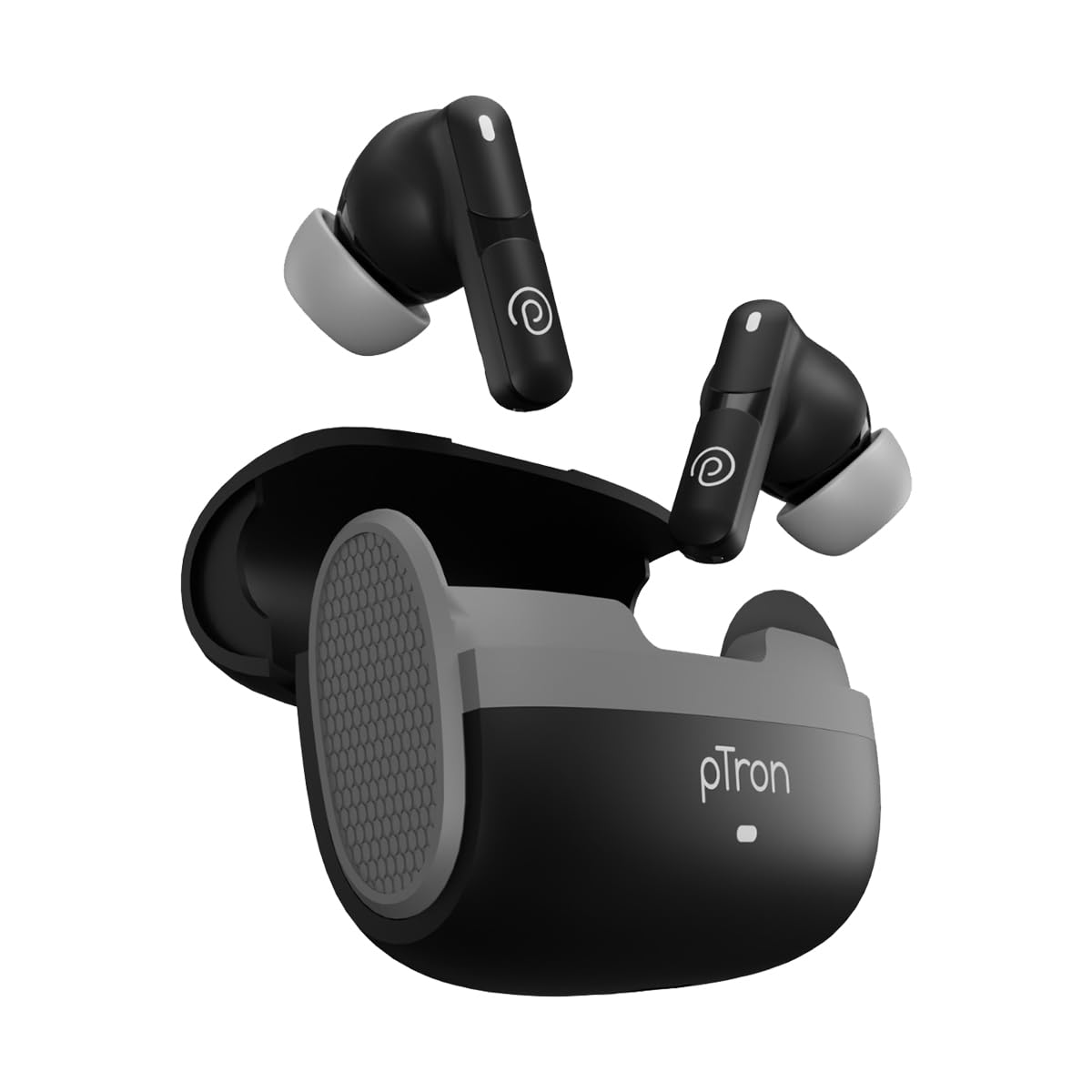
Wireless earbuds have become a standard accessory for audio consumption, offering convenience and portability for a wide range of activities, including commuting, exercise, office work, and casual listening. With a vast number of models available in the market, selecting the right pair can be challenging.
This guide outlines the key technical specifications and design considerations needed to evaluate wireless earbuds effectively. Understanding the relationship between form factor, audio technology, battery performance, and advanced features such as active noise cancellation (ANC) will help you choose earbuds that fit seamlessly into your daily routine.
Form Factor and Fit Considerations
The physical design and fit of wireless earbuds directly affect comfort, stability, and passive noise isolation. Earbuds generally fall into two main categories: in-ear (canal) and open-fit (bud) designs.
In-Ear (Canal) Earbuds
In-ear earbuds use silicone or foam tips that fit directly into the ear canal, creating a seal that provides passive noise isolation by physically blocking external sounds.
- Secure fit improves bass response and overall sound quality
- Multiple ear tip sizes ensure better comfort and seal
- Ideal for workouts, running, and active use
- May cause discomfort for some users during long listening sessions
Open-Fit (Bud) Earbuds
Open-fit earbuds rest in the outer ear without sealing the ear canal, allowing ambient sounds to pass through naturally.
- Enhanced comfort for extended wear
- Improved environmental awareness for safety
- Reduced bass response compared to in-ear designs
- Limited passive noise isolation
Additional design considerations include earbud size, weight, and charging case dimensions. Smaller, lightweight earbuds are generally more comfortable, while larger charging cases often offer extended battery life. Earbuds with stems may provide better microphone placement, improving call clarity.
Audio Quality and Bluetooth Codecs
Audio performance in wireless earbuds depends on the internal drivers and the Bluetooth audio codecs used for transmission.
Drivers
The driver converts electrical signals into sound. Most earbuds use dynamic drivers for a full frequency range, while premium models may use balanced armature drivers for enhanced clarity or multi-driver configurations.
Sound Profiles
- Neutral / Balanced: Accurate sound reproduction across all frequencies
- Bass-Heavy: Enhanced low frequencies for hip-hop, EDM, and pop
- V-Shaped: Boosted bass and treble with recessed mids for energetic sound
Bluetooth Audio Codecs
- SBC: Standard codec with basic audio quality
- AAC: Better quality, especially for Apple devices
- aptX / aptX HD: Higher-quality audio and lower latency for compatible Android devices
- LDAC: High-resolution audio transmission developed by Sony
To maximize audio performance, ensure your earbuds support the same high-quality codec as your primary device.
Battery Life and Charging
Battery performance is a critical factor for daily wireless earbud usage and is measured by earbud playback time and charging case capacity.
Earbud Playback Time
Most wireless earbuds offer between 4 to 8 hours of continuous playback per charge. Longer battery life reduces charging interruptions during long commutes or work sessions.
Charging Case Capacity
Charging cases typically provide 20 to 30 hours of total playback time, allowing multiple recharges before needing to plug in the case.
Charging Options
- USB-C charging for faster and more universal compatibility
- Qi wireless charging for cable-free convenience
- Fast charging support for quick power boosts
Active Noise Cancellation (ANC) and Transparency Mode
Active Noise Cancellation (ANC)
ANC uses microphones to detect ambient noise and generate inverse sound waves to cancel it out. It is most effective against low-frequency, consistent sounds such as traffic or engine noise.
Transparency Mode
Transparency mode amplifies external sounds, allowing users to remain aware of their surroundings without removing the earbuds. This is useful for conversations, announcements, or safety while outdoors.
Some earbuds offer adjustable ANC levels or environment-specific modes for commuting, office use, or travel.
Connectivity and Additional Features
Bluetooth Version
Modern earbuds use Bluetooth 5.0 or higher, providing improved stability, range, and power efficiency. Bluetooth 5.2 introduces LE Audio for lower latency and enhanced performance.
Multipoint Connectivity
Multipoint support allows earbuds to connect to two devices simultaneously, enabling seamless switching between a smartphone and a laptop.
Latency
Low latency is essential for watching videos and gaming. High latency can cause noticeable audio-video synchronization issues.